
Parental help is here. Online class tips? Here’s a ready reckoner
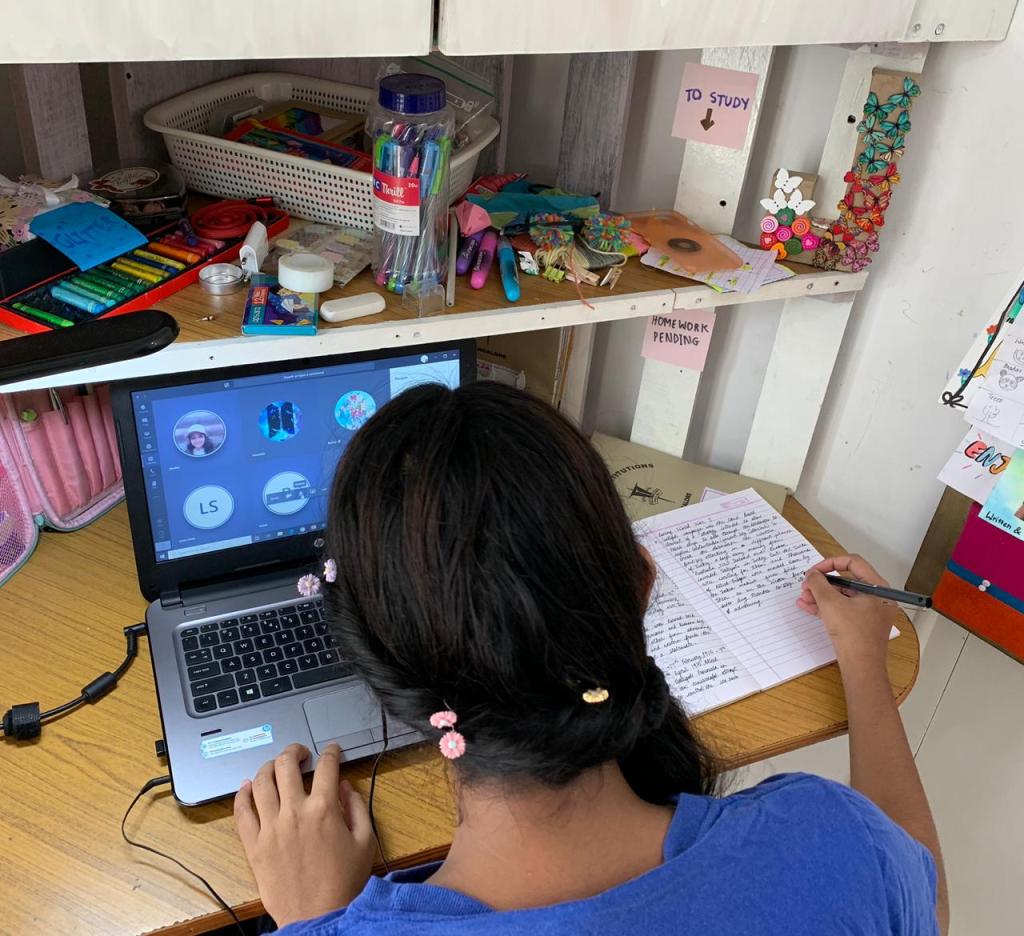
The inevitable is here. Online classes have begun, putting everyone involved – teachers, students and parents – out of their comfort zone, and into a digital world where often, students navigate better than teachers.
Some of us are trying to wrap heads around the repercussions, and look forward to a time when education will involve real people and interactions. But what do we do right now with various IDs being thrown at us and invitations to join this meeting and that?
As a parent, I sigh and do the best thing for my child at the moment – support him and her. Research says this is a winning combination for ages! My friends who work in special ed. said just last week how well their children are doing because now, finally, the missing link has been established – parental involvement! Students are showing amazing growth as mum/dad join hands with teachers and form that dream team to good learning.
As an aside, it’s a team (everyone works together), so parents that jump in and try to lead and coach, you’re not going to see best results. Allow the teacher to lead, he may not have the vast subject knowledge you do, but she has a way with children that you don’t.
Here’s a quick helpline to get you started:
Getting set
- Play around with the app. Get familiar with how it works.
- Two important things – your audio and your video. Figure out how to turn it on and off repeatedly. Muting and unmuting is an important skill. Turning video on/off too. Set up calls to friends for practice.
- When online, find the ‘rename’ option and change the name to your own. Be transparent. Don’t be jio6523dwi or iphone420. No one knows who that is!
Tech tips
- Find the space in your house where signal is strong/wifi router is near. Fix such spots as study spots/online class areas. You may have to reorganize your whole house. It’s not a bad idea.
- Make sure internet is stable. How? Try running a YouTube video. If it buffers, it’s not stable.
- A desktop is the best option. Laptop is second best and a tab comes third. A mobile phone should be your last option. This is because it is a smaller screen and can increase eye strain, it’s difficult to navigate effectively, and not convenient to work on homework/submissions.
- A stand for your device is a must, so that the child can concentrate on learning.
- Charge your devices completely every night. This sounds useless until you forget to charge it. Then, the stress you endure will change your mind.
- A headset avoids disturbance/distraction.
- Keep a mobile hotspot handy.
- Keep headphones/earphones, stand, charger in a basket/tray to conveniently move around. When signal drops, you may need to up and run to a better spot. We have two tables set up at our house, one indoors and one table outdoors depending on what suits the moment.
Appearance tips
- Before you turn the camera on, check that light is in front of your face. It must not be behind you. Light should light up your face from the front. Add lamps, lights that can shine on your face without hurting your eyes.
- Keep phone at face level or higher and on a table/stool. Use books/anything helpful to raise the level. You look best when the camera is at eye-level or a bit higher. Any lower and expect pictures of your lower jaw/the inside of your nostrils. No. No.
- Position your class call in a specific spot. Try to get a wall behind you for best results. This will be your background, so single-colour and clean wall is best. Also, that way, if someone in your house walks across, they will not disturb the class or embarrass you.
- All eating should be done before the class. Plan and prepare for this. Do not eat during class.
- Dress smart for class. Look presentable. It is not only your face that people can see; often, if you have to suddenly move around, your lower half will also be visible.
- Log on to the meeting 5-10 minutes before the start of class. That way you can make all adjustments to sound/video before class actually starts.
- Keep video on if your network permits. It’s accountability (somewhat) for both teacher and student.
General tips
- Be patient. Don’t keep saying ‘hello’ when you cannot hear. Remember YOU are the one who cannot hear, so repeatedly saying ‘hello’ will not help you hear!
Everyone else can hear you. Say ‘hello’ once, and then pause for response. - Speak calmly, slowly and clearly with emphasis, but not exaggerated. If your net dips suddenly and you’re speaking, a sudden surge can speed up audio making you sound like Mickey Mouse. Be aware.
- Finally, all of these apps and tools are made as simply as possible. They are so simple that even children can navigate… so don’t stress. Even if you miss a few hours of class, don’t lose your cool. You can catch up on class work, not a good mood.
This too will pass.
 myuncommonsense